
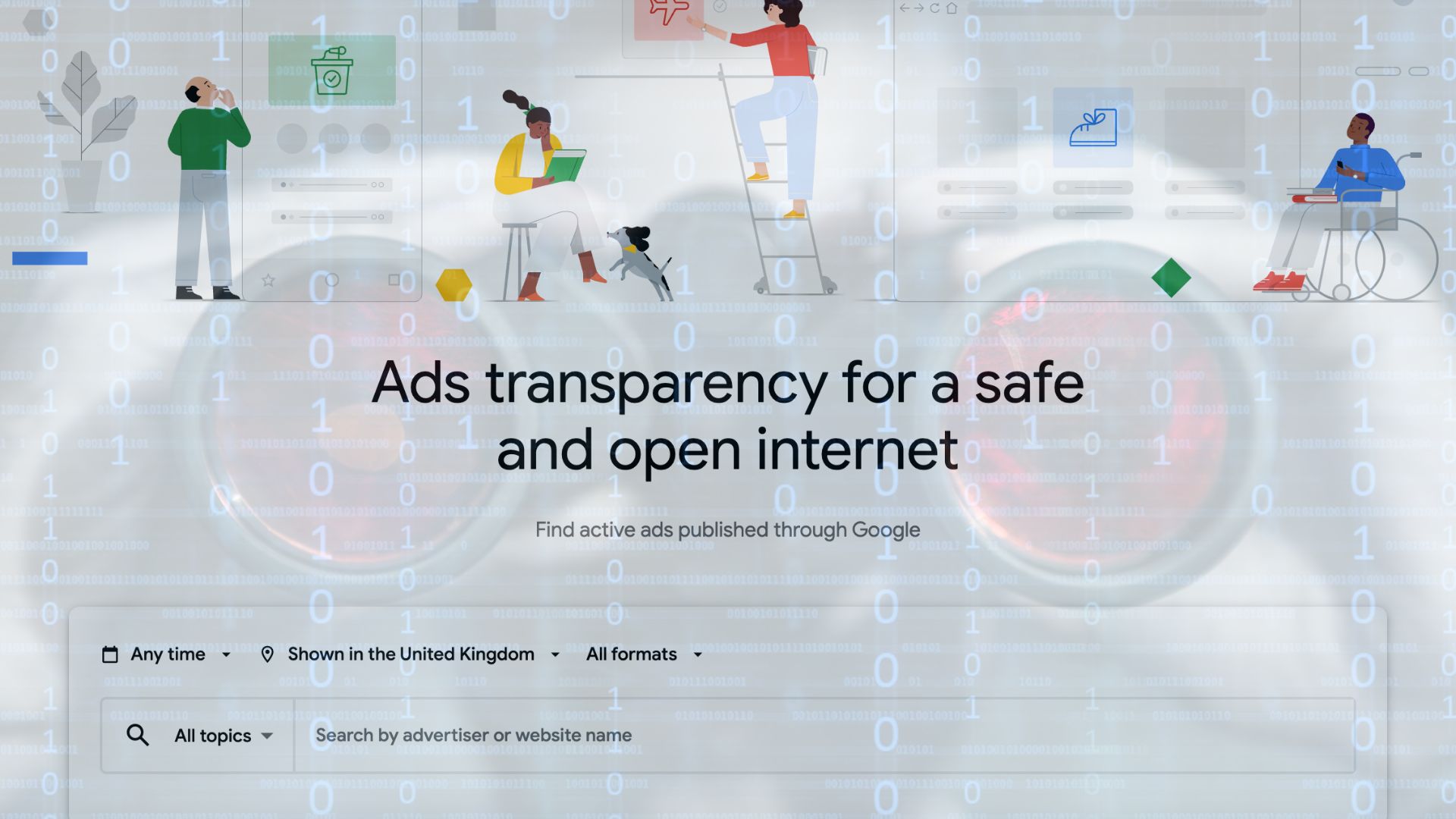
Competitor analysis helps you spot industry trends and improve your own marketing. One of the quickest ways to do it is to look at your competitors’ display ads: the image, banner and video adverts they run across websites, apps, YouTube and social media.
You do not need a paid spy tool to do this. Google and Meta both offer free tools that show you the display ads competitors are running on their platforms, along with their search and social ads. Below we show you how to check your competitors’ display ads on Google, then on Facebook and Instagram.
What free tools can you use to see competitors’ display ads?
There are plenty of paid ad intelligence tools out there, but two free ones cover most of what you need:
- Google Ads Transparency Center for Google display ads, search ads and YouTube ads
- Meta Ad Library for Facebook, Instagram and Audience Network ads
How to see your competitors’ display ads on Google
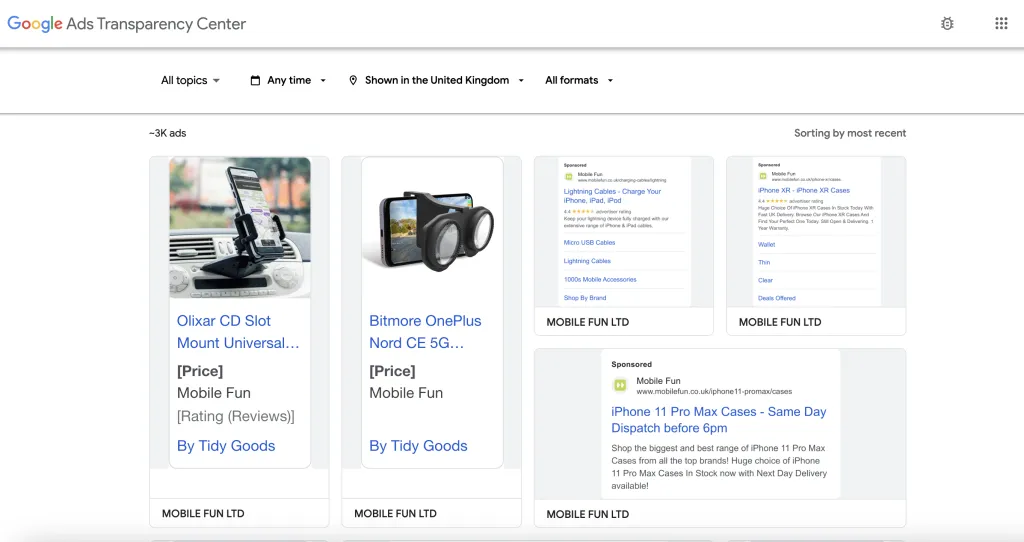
The Google Ads Transparency Center (sometimes called the Google Ads Library) shows ads from verified advertisers across Google, including display ads, Google Search, YouTube and Gmail. It is the easiest way to check the Google display ads competitors are using.
To find a competitor’s display ads:
- Go to adstransparency.google.com.
- Type the competitor’s name or website into the search box and pick the advertiser from the list.
- Set the region to the country you sell in, for example the United Kingdom.
- Use the format filter and choose Image to see banner-style display ads, or Video for YouTube and video display ads.
- Set the date range to see what they are running now or have run in the past.
- Click any ad to see when it was last shown and where.
The most recent ads appear at the top, so you can quickly see a competitor’s current offers and messaging.
It’s worth keeping in mind there are some limits to what ads are shown. For example, the ad must have been shown within the last 365 days by a verified advertiser. Some ads may also not appear if they have been taken down for breaking Google ad policies or deleted from the advertiser’s Google Ads account.
How to see your competitors’ ads on Facebook and Instagram
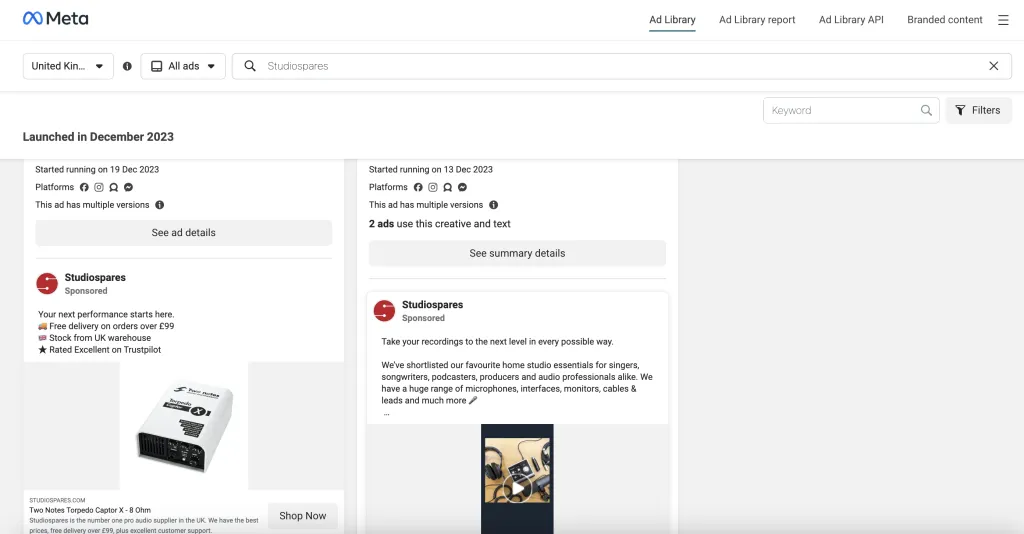
Meta Ad Library lets you search for adverts across Meta’s platforms, including Facebook, Instagram, Messenger and Audience Network, which places display ads inside other apps. It is the best way to check competitor campaigns on Meta’s social media platforms.
To find a competitor’s ads:
- Go to the Meta Ad Library.
- Choose your country and set the ad category to All ads.
- Search for the competitor’s name or a keyword.
- Use the filters to narrow results by platform, media type (image or video) and whether the ad is still active.
The results show each ad’s content and basic information, such as when it started running and on which platforms.
There are also a few things to keep in mind with the Meta Ad Library. You can view ads without a Facebook or Meta account, but it’s best to log in to see age-restricted ads. The platform also has extra tools like the downloadable Ad Library Report, which shows ads about a chosen topic (or competitor) for a specific time period.
What to look for in your competitors’ display ads
Once you have found a competitor’s ads, look at:
- Offers and prices: which products or categories they are pushing, and any discounts or free delivery messages
- Creative: the imagery, colours and ad sizes they use, and how many variations they test
- Calls to action: what they ask people to do, such as “Shop now” or “Get a quote”
- Timing: when campaigns start and stop, for example around seasonal sales
- Platforms: whether they favour display, search, YouTube or social
Why do Google and Meta provide transparency tools?
Google and Meta have both committed to transparency in advertising, and these tools are part of that pledge. They make it easier to search for branded content through their online databases.
By showing ads and information such as the advertiser, format, live dates, country and a link to the ad, both Google and Meta aim to help people make informed decisions.
Why spy on competitors’ display ads with these tools?
A key part of competitor analysis is understanding what others in your industry are marketing and how. Google Ads Transparency Center and Meta Ad Library both help with this, giving you competitor insights and market trends to inform your own strategy.
Using these tools, you can find gaps or weaknesses to get ahead in your next campaign. For example, you may discover that a competitor is promoting key products or categories that you want to either avoid or put a new spin on. It may also help shape the style of campaign you want to run.
Another reason to use these tools is to see how audiences respond. Meta’s Ad Library, for example, can show comments and reactions on ads. This is useful for gauging how customers feel, especially if you plan to offer a similar product or campaign.
Most of all, both tools offer a free and transparent way to monitor competitor advertising. You can see the headlines used, the imagery, the ad format and any variations, the call to action and plenty more. Ads usually appear soon after they go live, giving you a timely look at your competitors’ key messages and promotions.
If you want to dig further into your competitors, see our guides on finding your competitors’ best selling Shopify products and using Google search operators for eCommerce.
Armed with these tools and the competitor knowledge they share, how will you respond?
Looking to get an even greater edge on your competitors?
In order to stay competitive, your new eCommerce marketing strategy may lead you to updating your website. In such circumstances, our Birmingham-based team of expert developers are ready to help grow your site. That includes Magento development, Shopify development, Shopify Plus development, retainer support and more.
To discuss what our eCommerce web development agency can do for you, contact us today.